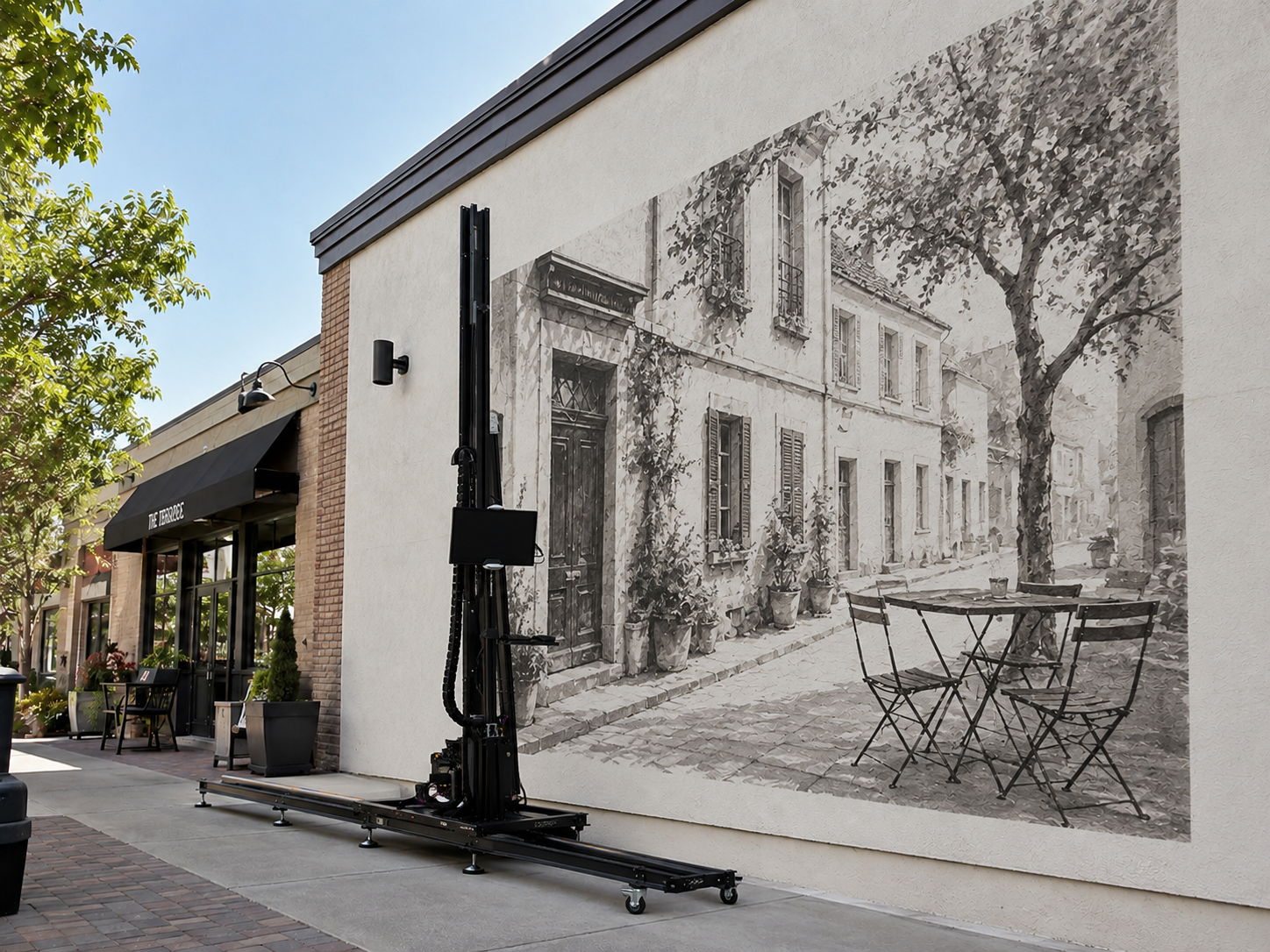
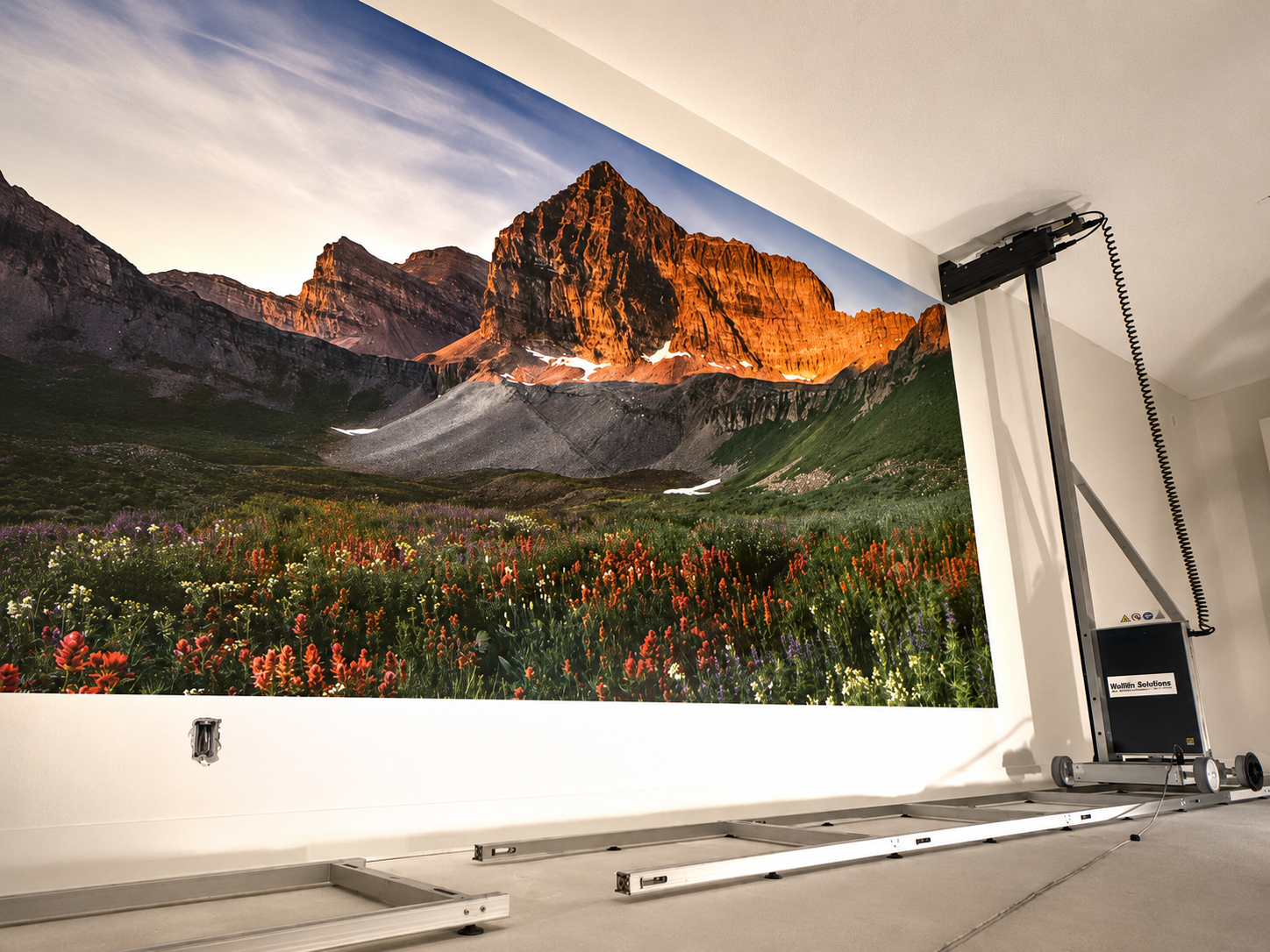
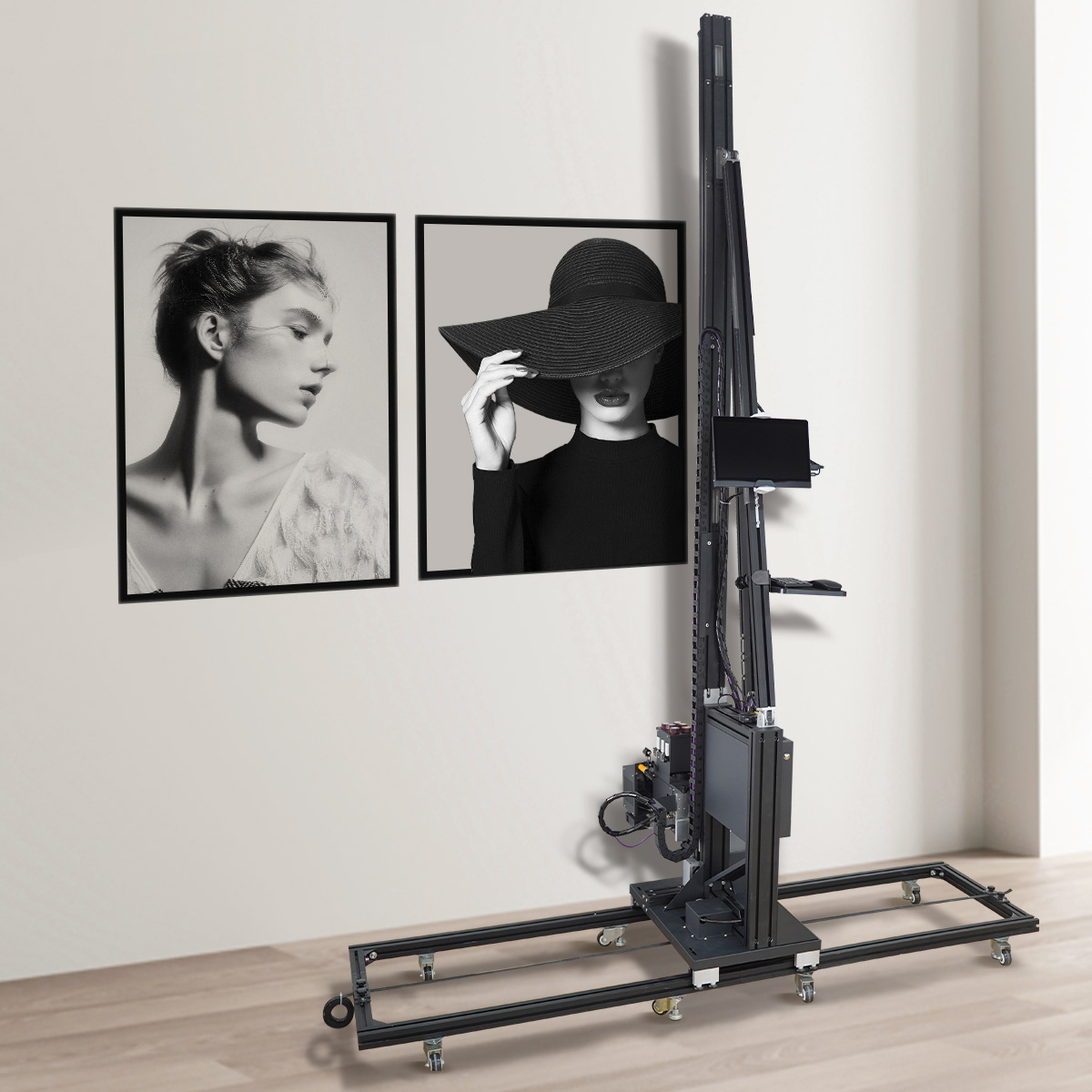
Yes, a wall printer can be used safely when it is installed correctly and operated according to the machine and ink manufacturer's instructions.
For most users, the main safety concerns are straightforward:
UV curing light, if the printer uses UV-curable ink.
Liquid ink, cleaning fluid and possible odor during printing.
Ventilation when working indoors.
Electrical grounding and a stable power supply.
Moving parts and safe setup around the wall.
You do not need to treat a wall printer like unusually dangerous industrial equipment, but it should not be treated like an ordinary office printer either.
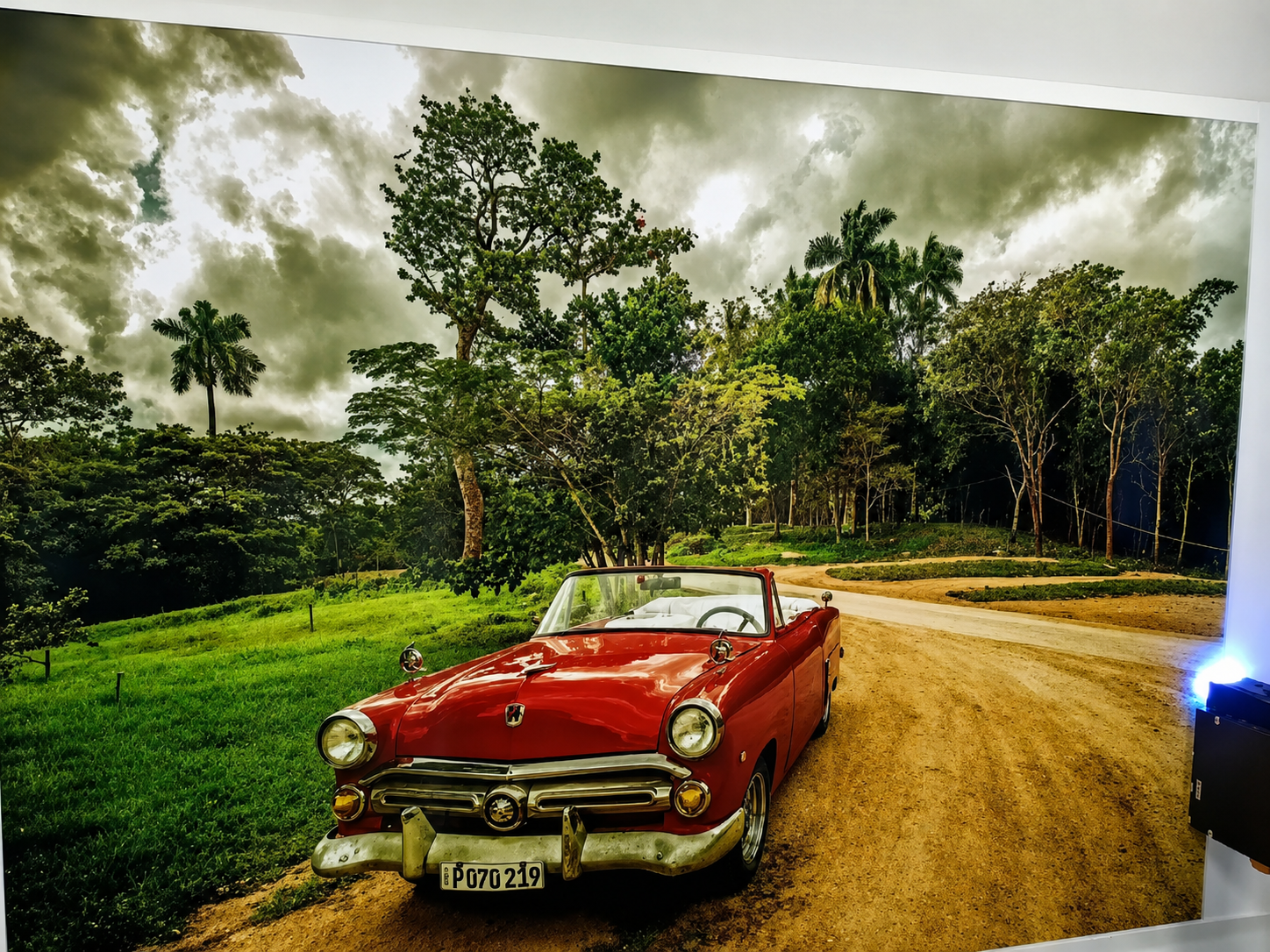
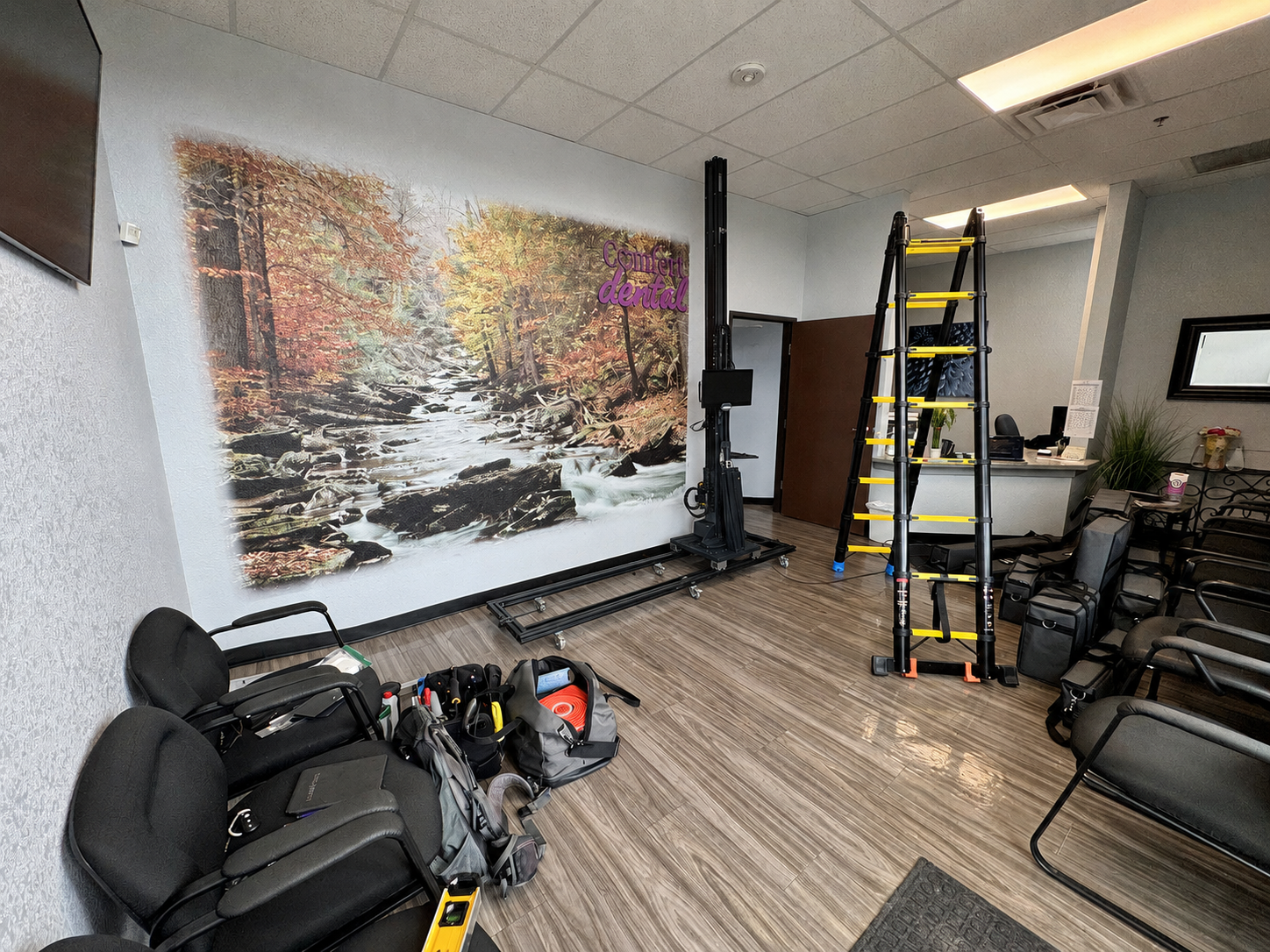
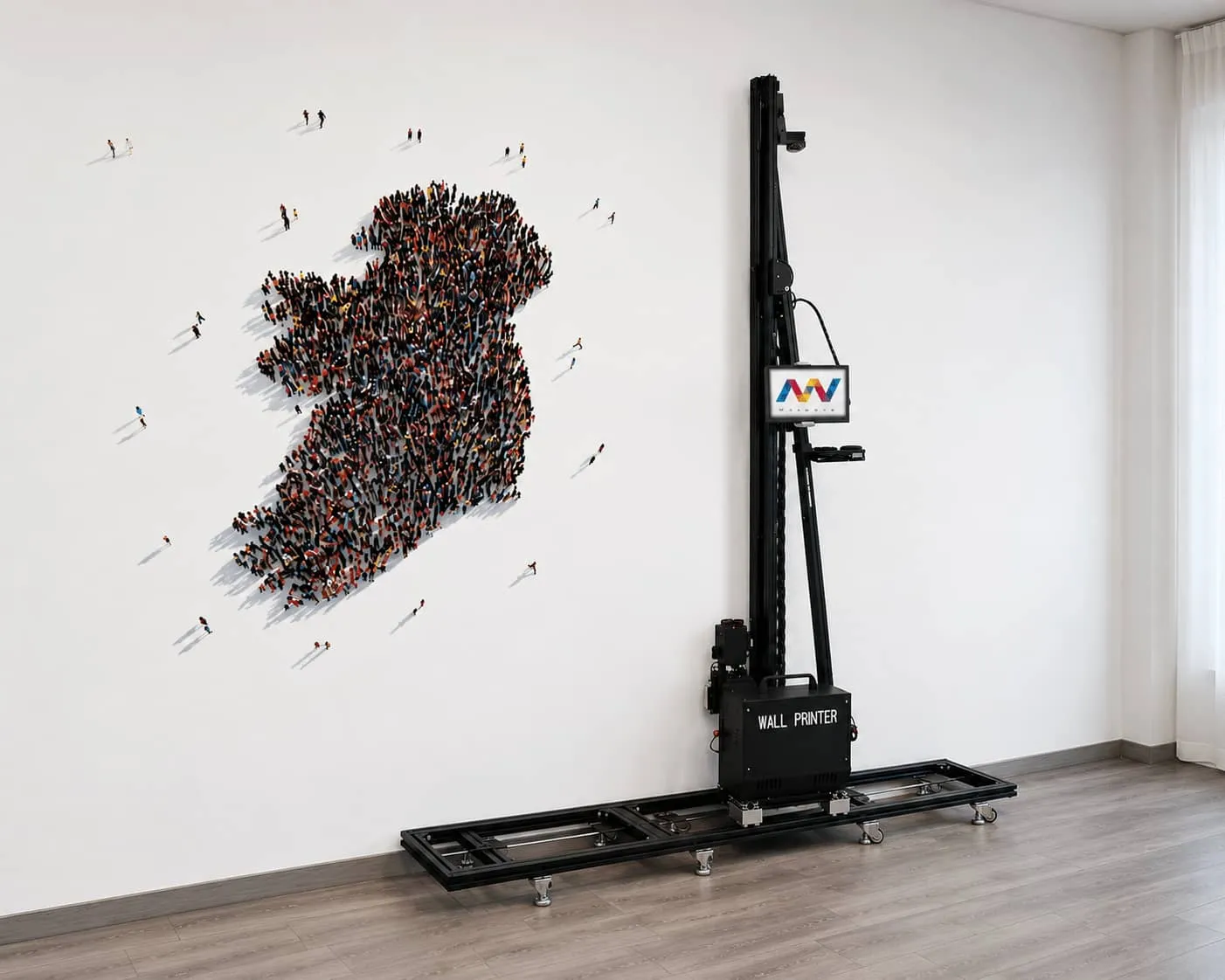
Wall printers are often used directly inside homes, restaurants, hotels, schools, offices and retail spaces. The machine is positioned beside the wall and moves along the surface during printing, while the operator works nearby. On UV-curing models, the UV curing unit is located close to the printhead and cures the ink as it is deposited onto the wall.
The safest approach is simple:
Protect your eyes and skin, know which ink you are using, ventilate enclosed spaces, use the correct grounded power supply and keep people away from the moving printer.
1. Is the UV Light on a Wall Printer Safe?
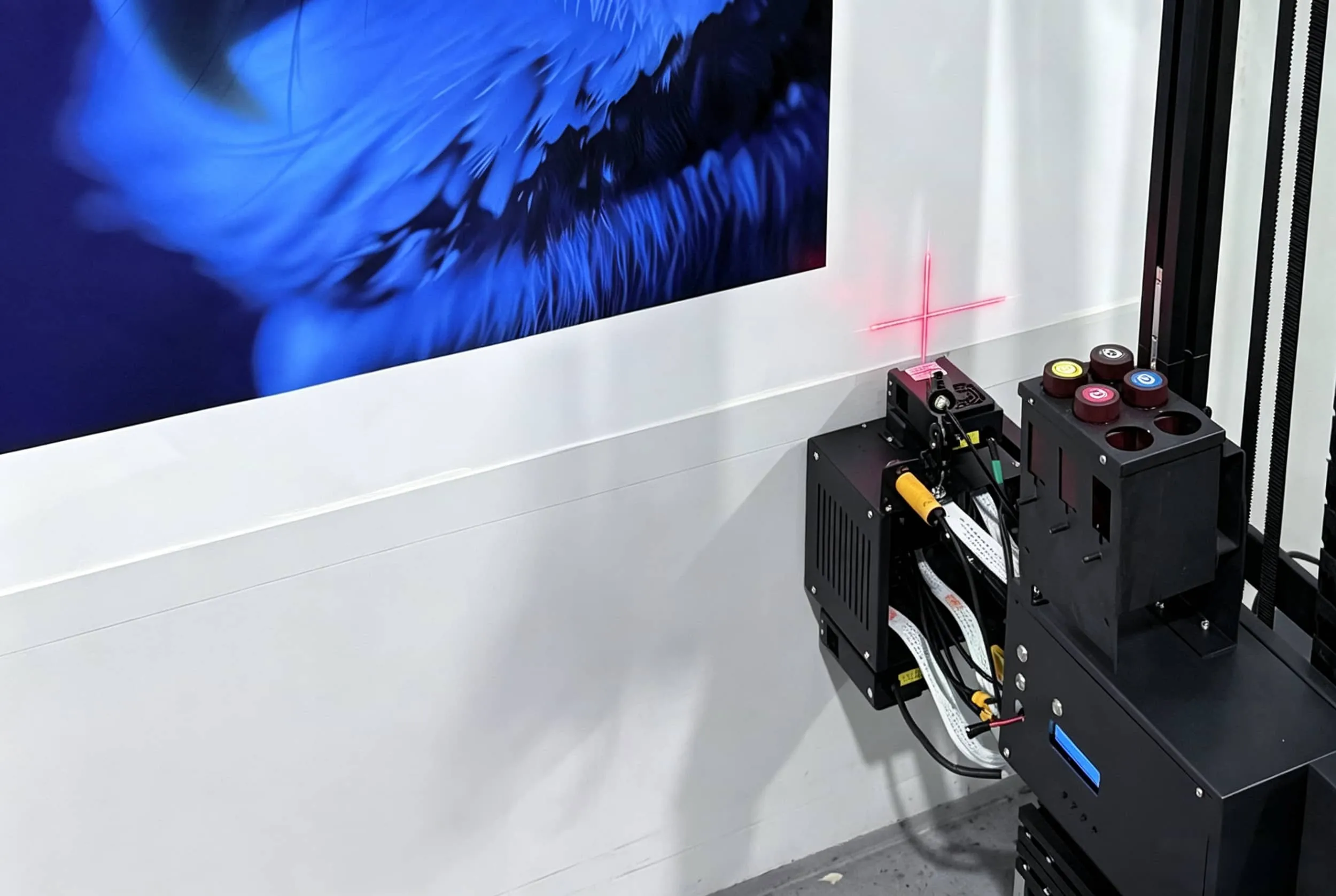
If your wall printing machine uses UV-curable ink, it normally includes a UV LED curing system close to the printhead.
The UV light cures the liquid ink almost immediately after it reaches the wall. That allows the mural to dry quickly and makes UV ink useful on a wide range of surfaces.
But UV curing light is still a high-intensity light source.
Do Not Look Directly Into the UV Curing LEDs
The most important rule is simple:
Do not stare directly at the active UV light.
Operators should also avoid putting their hands or face close to the curing unit while the printer is working.
During normal operation, the UV LEDs are positioned close to the wall. This means the entire room does not suddenly become dangerous whenever the printer starts.
The main risk comes from unnecessary close-range exposure to the active light source.
When operating a wall printing machine:
Keep your face away from the curing LEDs.
Do not inspect the UV lamp while it is operating.
Keep children and customers away from the immediate printing area.
Do not place your hands near the active curing system.
Keep any protective covers or shielding in their correct position.
Use UV-rated eye protection if required by the machine manufacturer.
Ordinary eyeglasses should not automatically be assumed to provide the protection required for an industrial UV source.
Is the Finished Wall Mural Still a UV Risk?
No.
The UV light is used during the printing and curing process.
Once the printer has stopped and the UV curing source is turned off, the finished mural does not continue producing UV radiation.
This is an important distinction for customers.
UV safety is primarily an operator and printing-process issue, not a continuing hazard from the finished wall artwork.
2. Are Wall Printer Ink Fumes or Smells Dangerous?
Another common question is:
Does a wall printer smell?
Sometimes, yes.
How noticeable the odor is depends heavily on the ink system, curing process, amount of ink being deposited and ventilation in the room.
Wall printers may use UV-curable ink, water-based pigment ink or other formulations depending on the equipment and application.
UV-curable systems generally involve much less solvent evaporation than conventional solvent printing, but that does not mean every UV ink is completely odorless.
A mild characteristic smell may be noticeable during printing or shortly afterward.
Low VOC Does Not Automatically Mean Odorless
This distinction is important:
Low VOC does not mean zero odor.
Likewise:
No obvious smell does not automatically mean no ventilation is needed.
Instead of relying on marketing descriptions such as:
“Non-toxic.”
“Eco-friendly.”
“Odorless.”
“Safe ink.”
Ask for the Safety Data Sheet (SDS) for the exact ink supplied with the printer.
For anyone comparing a wall mural printer for residential or commercial jobs, the ink SDS should be part of the purchasing information.
Ask the supplier:
What ink manufacturer and model do you use?
Is it UV-curable or water-based?
Can you provide the SDS?
What ventilation does the ink manufacturer recommend?
What PPE is recommended when handling liquid ink?
What maintenance or cleaning fluid is used?
How should waste ink be handled?
A specific SDS is much more useful than a generic claim that the ink is environmentally friendly.
Liquid Ink Needs More Care Than the Finished Print
The main ink-handling risk occurs before the ink has fully cured.
Use appropriate protection when:
Refilling ink.
Changing ink containers.
Cleaning the printhead.
Handling waste ink.
Cleaning leaks.
Using maintenance fluid.
Avoid unnecessary contact with skin and eyes.
If ink or maintenance fluid does come into contact with you, follow the first-aid instructions on the SDS for that specific product.
What If the Smell Is Strong?
A temporary mild odor may occur during some printing jobs.
But unusually strong or persistent odor deserves investigation.
Possible causes include:
Insufficient ventilation.
Incomplete curing.
Excessive ink deposition.
Incorrect print settings.
A UV curing system that is not functioning normally.
Open waste ink or cleaning-fluid containers.
Do not simply cover the smell with fragrance or continue printing without checking the cause.
If a mural remains tacky, transfers when touched or produces an unusually persistent odor, verify the curing process before treating the job as finished.
3. Does a Wall Printer Need Ventilation or a Special Electrical Setup?
Does Indoor Wall Printing Need Ventilation?
For indoor work, some fresh-air exchange is a sensible standard practice.
But there is no single ACH or CFM number that should be applied to every wall printer and every room.
The ventilation requirement depends on:
The actual ink formulation.
How much ink is being used.
Mural size.
Printing duration.
Room size.
Existing HVAC.
Whether windows or doors can be opened.
Whether customers remain in the room.
The ink manufacturer's SDS.
A large hotel lobby with commercial HVAC is very different from a small bedroom with the windows closed.
For ordinary residential or commercial work, ventilation may include:
Opening windows and doors.
Running the building's HVAC.
Using portable exhaust equipment.
Keeping the printing area temporarily separate from occupied spaces.
Allowing additional airing time after printing if an odor remains.
A vertical wall printer is designed to move between customer locations, so the operator should assess each site rather than depending on one fixed ventilation setup.
When Is Local Extraction More Useful?
Local extraction becomes more useful when you are working in:
Small enclosed rooms.
Long printing sessions.
High-coverage murals.
Dedicated print workshops.
Locations where windows cannot be opened.
Sites where operators spend many hours beside the machine.
Instead of simply circulating the same room air, local exhaust aims to capture emissions closer to where they are generated.
The correct equipment should still be selected according to the actual ink SDS and local requirements.
What About Homes, Schools, Hotels and Restaurants?
These locations deserve more careful planning because occupants may return shortly after the mural is completed.
A good procedure is:
Ventilate during printing.
Keep unnecessary people away from the active machine.
Verify that the ink is properly cured.
Continue ventilation if noticeable odor remains.
Follow the ink manufacturer's handling guidance.
If the customer is particularly sensitive to odors, schedule the job when the room can remain ventilated and temporarily unoccupied after completion.
This is not only about safety—it also creates a better customer experience.
Does a Wall Printer Need a Special Outlet?
That depends on the machine.
Do not copy voltage or amperage requirements from another model.
Before using a direct to wall printer, confirm:
Rated voltage.
Frequency.
Maximum power consumption.
Required plug type.
Grounding requirements.
Recommended circuit protection.
The power supply must match the specifications of the actual machine.
A printer designed for one voltage should not be connected to an incompatible supply simply because the plug can be adapted.
Grounding Matters
Use a properly grounded outlet.
Do not remove the grounding pin to make the printer fit an old or incompatible socket.
Also check for:
Damaged plugs.
Loose connections.
Exposed wiring.
Overheated connectors.
Crushed power cables.
Unstable extension cords.
If a new electrical circuit or outlet must be installed, use a qualified electrician and follow local electrical requirements.
Be Careful With Extension Cords and Power Strips
Mobile equipment often ends up using whatever power source is available at the customer's site.
That can create problems.
Before every job, confirm that:
The cable is undamaged.
The outlet is properly grounded.
The voltage matches the printer.
The plug fits securely.
The cable will not be driven over or trapped under the machine.
The circuit is not obviously overloaded with other high-power equipment.
If an extension cord is necessary, it must be correctly rated for the equipment and comply with the manufacturer's instructions.
4. What Safety Checks Should You Do Before Every Wall Printing Job?
Most wall-printer safety does not require complicated calculations.
A repeatable five-minute inspection before every project catches many of the most common problems.
Check the Wall First
Before positioning the printer, inspect the surface.
Look for:
Loose paint.
Dust.
Moisture.
Cracks.
Large bumps.
Sharp protrusions.
Unstable plaster.
Strongly uneven areas.
This is partly about print quality, but it also protects the machine.
An unexpected projection or unstable surface can interfere with printhead distance and increase the risk of a head strike.
Check the Printer
Before starting, confirm that:
Rails or wheels are assembled correctly.
The machine is stable.
Cables are connected properly.
Sensors are clean.
The printhead area is clear.
Ink lines have no obvious leaks.
The emergency stop is accessible.
There are no active error messages.
Do not start a customer job if something looks damaged or abnormal.
Keep Customers Away From the Active Printer
Wall printers attract attention.
Customers often want to stand beside the machine, take photos or watch the printhead closely.
Do not allow customers—especially children—to touch the printer, rails, cables or moving head while it is operating.
A professional wall printer moves automatically during production, so the working area around the equipment should remain clear.
Keep Hands Away From Moving Parts
Never manually adjust the carriage, printhead, rails or other moving components while printing.
Pause or stop the machine first.
Do not reach underneath moving equipment to retrieve tools or cables.
Handle Ink and Cleaning Fluid Properly
Keep ink containers closed when they are not being used.
Store ink and maintenance fluids away from:
Heat.
Direct sunlight.
Children.
Food.
Unrelated work areas.
During maintenance, follow the PPE requirements listed in the SDS and use the cleaning products recommended by the manufacturer.
Do not use random household solvents on printheads or ink-system components.
Quick Wall Printer Safety Checklist
Check | What to Confirm |
|---|---|
Wall condition | Clean, dry, stable and free of dangerous protrusions |
Printer setup | Stable and correctly assembled |
UV curing system | No direct viewing of active LEDs; shielding intact |
Ink system | No leaks; ink SDS available |
Ventilation | Suitable fresh air or extraction for the job |
Power supply | Correct voltage and properly grounded connection |
Cables | Undamaged and positioned safely |
Working area | Customers and children kept away |
Emergency stop | Accessible to the operator |
This checklist is more useful for most wall-printing businesses than memorizing dozens of exposure-limit numbers.
Conclusion
So, is a wall printer safe to use?
Yes—when it is installed correctly and basic UV, ink, ventilation and electrical precautions are followed.
The most important safety rules are straightforward:
Do not look directly into the active UV curing light.
Handle liquid ink and cleaning fluid according to the SDS.
Provide appropriate ventilation during indoor printing.
Use the correct grounded electrical supply.
Keep people away from the moving printer.
Wall printing does not need to become an unnecessarily complicated industrial safety operation.
What matters is having a repeatable workflow:
Inspect the wall → set up the machine → check the electrical supply → assess ventilation → control the working area → print → shut down and clean safely.
Safety should also be considered when choosing a wall printing machine.
Before buying, ask the supplier:
Which ink does the machine use?
Can you provide the SDS?
How is the UV curing source protected?
What voltage and electrical supply does the printer require?
What safety training is included?
How should the machine be operated in homes, offices and other enclosed customer spaces?
A good wall printer should not only produce a sharp mural. It should also be practical for an operator to transport, set up and use safely across real customer job sites.
If you are comparing machines, send WallPrintGear your typical wall materials, indoor or outdoor applications, expected mural sizes and destination country. The team can help you evaluate a suitable machine configuration, ink system and operating setup before purchase.