Which wall printer printhead is best: DX7, DX10, I1600, or I3200? The answer depends on your printing budget, expected workload, image quality requirements, and long-term maintenance costs.
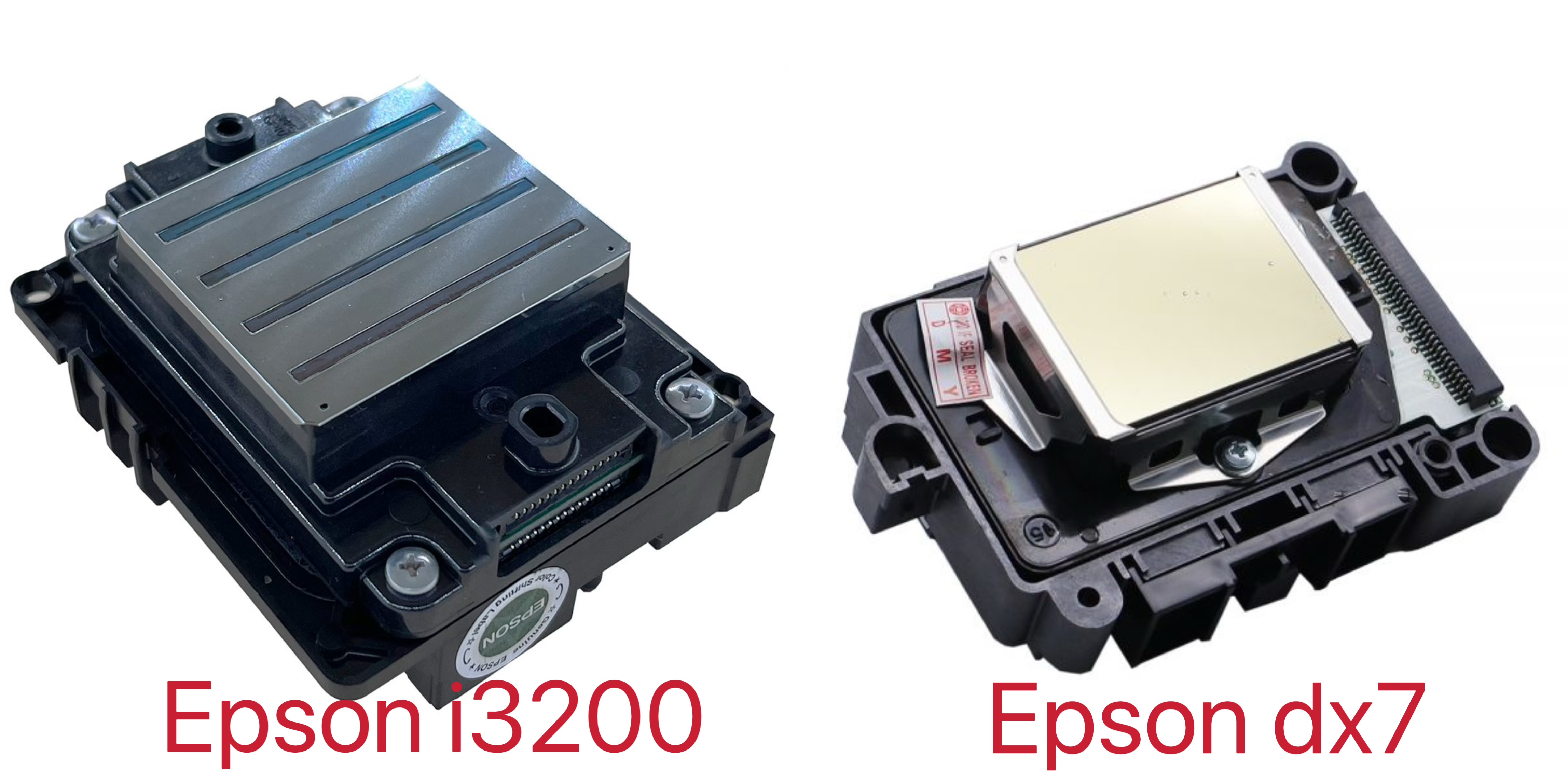
DX7 and DX10 are commonly found in lower-cost or older wall printer configurations, while I1600 and I3200 offer newer Epson PrecisionCore technology for commercial printing applications.
However, choosing a printhead based only on resolution or nozzle count can be misleading. A higher-specification printhead does not automatically guarantee better wall murals or lower operating costs.
For anyone planning to purchase a UV wall printer, understanding the differences between these four options can help avoid unnecessary upgrades and choose equipment that matches real business needs.
This guide compares DX7, DX10, I1600, and I3200 printheads across printing quality, speed, maintenance, and practical applications.
1. DX7 vs DX10 vs I1600 vs I3200: Key Differences
The four printheads serve different market segments, but their specifications should be compared carefully.
I1600 and I3200 have clearly documented Epson specifications. DX7 is an older printhead designation, while DX10 is often used inconsistently by wall printer suppliers to describe different entry-level printheads.
Before comparing prices, always confirm the exact printhead model and part number.
Wall Printer Printhead Comparison Table
Feature | DX7 | DX10 | I1600-U1 | I3200-U1 |
|---|---|---|---|---|
Positioning | Older or legacy configurations | Budget-oriented configurations | Mid-range commercial | Higher-productivity commercial |
Nozzle Count | Depends on exact version | Depends on supplier's model designation | 1,600 | 3,200 |
Printhead Technology | Older piezoelectric platform | Varies by actual model | PrecisionCore MicroTFP | PrecisionCore MicroTFP |
Nozzle Rows | Model-dependent | Model-dependent | 4 | 8 |
UV Ink Compatibility | Requires verification | Requires verification | UV-specific U1 version | UV-specific U1 version |
Main Advantage | Established legacy applications | Lower initial equipment cost | Balanced commercial configuration | Greater nozzle capacity |
Main Consideration | Availability and replacement compatibility | Model identification and consistency | Complete-system performance | Higher equipment investment |
Note: Epson's I1600-U1 and I3200-U1 specifications are documented by the manufacturer. DX7 and DX10 specifications should be checked against the exact supplied part number rather than a generic sales name.
DX7: An Older Printhead Option
DX7 has been used in various wide-format inkjet applications and may still appear in existing wall printer systems.
It can produce detailed graphics when properly configured, but the printhead's age, availability, ink compatibility, and replacement cost deserve attention.
For buyers considering a new machine, DX7 should be evaluated based on actual print samples and reliable access to replacement components rather than reputation alone.
DX10: A Budget-Friendly Choice
DX10 is frequently promoted in entry-level wall printer configurations.
Its main appeal is a lower initial investment, making it worth considering for new businesses with limited budgets or relatively light printing workloads.
However, DX10 is not consistently defined across suppliers. Some machines advertised with DX10 use printheads identified by other commercial names.
Ask the manufacturer to confirm the actual printhead part number, ink compatibility, warranty coverage, and replacement availability.
I1600: A Balanced Commercial Option
Epson I1600-U1 uses PrecisionCore MicroTFP technology with 1,600 nozzles arranged in four rows.
For buyers seeking a modern commercial printing configuration without necessarily investing in the highest nozzle count, I1600 is an option worth comparing.
It can support detailed graphics and commercial mural printing when paired with suitable ink delivery, motion control, and printing software.
Its actual productivity depends on the complete machine configuration rather than the printhead alone.
I3200: Designed for Higher Productivity
Epson I3200-U1 has 3,200 nozzles arranged in eight rows, providing twice the nozzle count of I1600-U1.
This greater nozzle capacity offers equipment manufacturers more flexibility when designing higher-productivity printing systems.
However, I3200 does not automatically produce twice the printing speed or better image quality. Actual results depend on the printer's control system, ink configuration, printing passes, and operating conditions.
For businesses considering larger mural projects or frequent commercial orders, an I3200-equipped wall printing machine is worth evaluating alongside I1600 alternatives.

2. Print Quality: Which Printhead Produces Better Wall Murals?
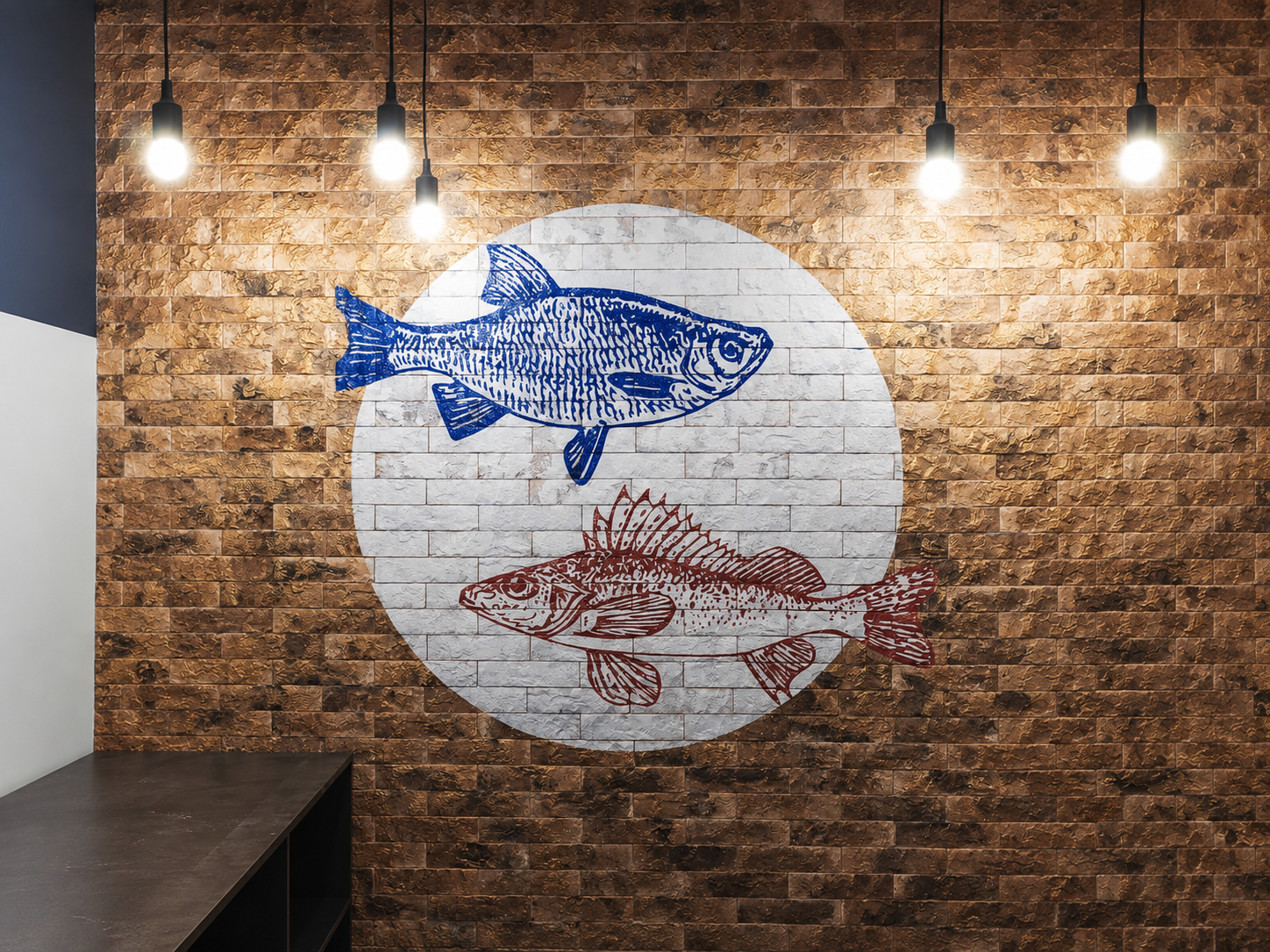
Print quality is one of the biggest concerns for wall printer buyers, especially those producing custom artwork, logos, decorative murals, and detailed photographs.
Although printhead specifications are important, the finished image depends on more than the number of nozzles.
Does a Higher DPI Mean Better Print Quality?
Not necessarily.
DPI figures shown in wall printer advertisements often refer to the machine's printing modes or addressable resolution, rather than the physical nozzle density of the printhead.
For example, Epson I1600-U1 and I3200-U1 both have a specified nozzle resolution of 300 npi per row and 600 npi across two rows.
I3200 has more nozzles, but that does not mean it has twice the native nozzle density.
Actual wall print quality also depends on:
Droplet control: How consistently ink droplets are placed.
Printing passes: The balance between production speed and coverage.
Motion accuracy: How precisely the machine moves across the wall.
Printhead distance: Whether the printer maintains a suitable gap from the surface.
Ink and color management: How effectively the system reproduces colors and gradients.
Wall condition: Whether the surface is smooth, porous, or textured.
A well-configured I1600 machine may produce better-looking murals than a poorly configured I3200 machine.
Which Printhead Is Better for Detailed Artwork?
For photographic murals, fine lettering, faces, and complex artwork, prioritize consistent droplet placement and a stable printing system.
Both I1600 and I3200 are capable printhead platforms for detailed commercial printing, provided the machine is properly designed and calibrated.
DX7 and DX10 configurations should be assessed through actual printing samples because performance can vary significantly between machine manufacturers.
When comparing wall printer machines, request identical sample images printed using the same artwork and comparable quality settings.
Examine fine lines, color gradients, skin tones, solid backgrounds, and the visibility of horizontal banding.
For high-quality wall murals, real printing results matter more than advertised maximum DPI.

3. Printing Speed and Productivity Compared
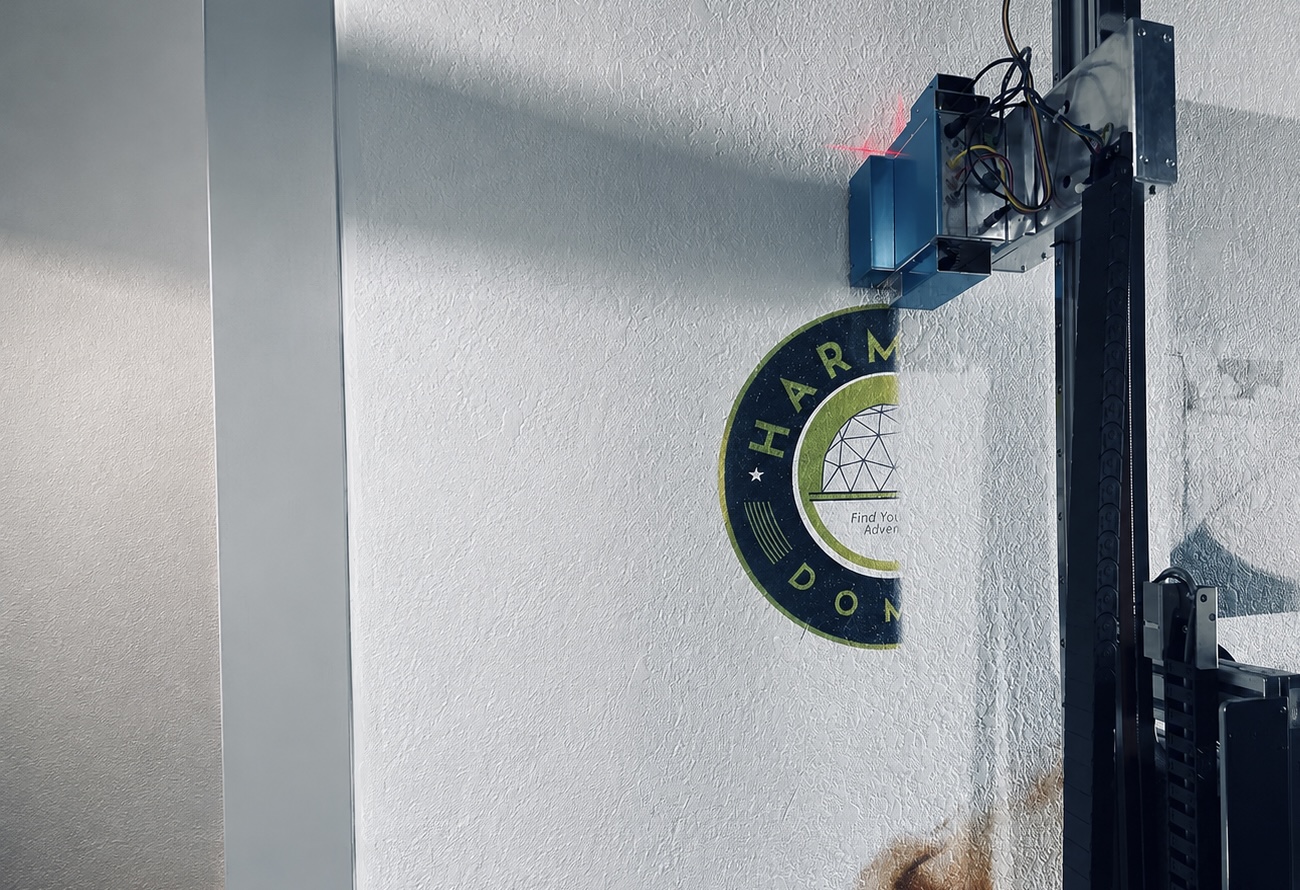
For commercial wall printing businesses, printing speed directly affects project scheduling, labor costs, and the number of jobs that can be completed.
However, a printhead's nozzle count should not be treated as a direct measurement of finished wall printing speed.
How Does Nozzle Count Affect Speed?
In general, a printhead with more usable nozzles can provide greater printing capacity, allowing equipment manufacturers to optimize coverage and productivity.
The I3200-U1 contains 3,200 nozzles compared with 1,600 on the I1600-U1.
This is an advantage when designing high-throughput printing systems, but it does not guarantee that a finished wall printer will operate twice as fast.
Wall printing speed is also influenced by:
Printing resolution and pass count.
Number of printheads and ink-channel configuration.
Carriage movement and rail stability.
White ink coverage and curing requirements.
Wall texture and distance adjustment.
Software, controller, and machine calibration.
Because DX7 and DX10 equipment configurations vary, reliable speed comparisons require testing complete machines rather than comparing generic printhead names.
Which Configuration Is Better for Commercial Projects?
Business Requirement | Printhead Worth Considering | Main Reason |
|---|---|---|
Starting a wall printing business | DX10 or I1600 | Compare upfront cost with actual sample quality |
Small custom murals and decorative work | I1600 | Balanced commercial option |
Detailed indoor murals | I1600 or I3200 | Evaluate real image quality at suitable settings |
Frequent large-format projects | I3200 | Higher nozzle capacity may improve productivity |
Maintaining an existing older machine | DX7 | Replacement compatibility may matter more than upgrading |
The right choice depends on your expected workload, not simply the largest number on a specification sheet.
For example, a business producing occasional residential murals may benefit more from affordable, reliable equipment than from investing in maximum potential speed.
In contrast, a company handling regular commercial installations may place greater value on reducing printing time and improving production consistency.
When comparing equipment for a wall printing business, ask suppliers to provide actual printing speeds at clearly stated resolution, pass count, ink configuration, and print quality.
4. Printhead Cost, Maintenance, and Replacement
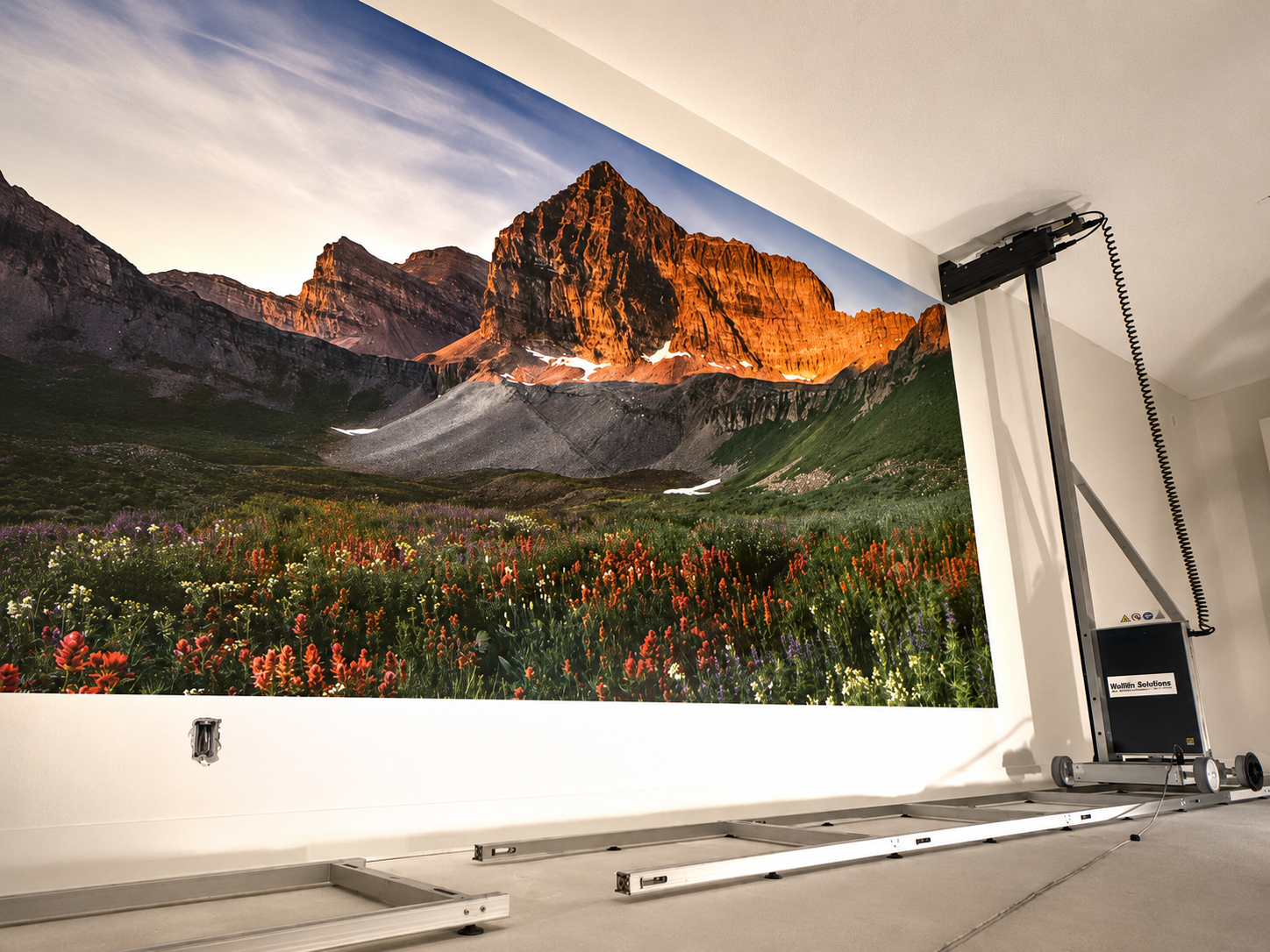
A lower purchase price does not always mean lower long-term operating costs.
Printheads are precision components, and their service life depends on the ink system, maintenance procedures, operating environment, and frequency of use.
Rather than relying on fixed lifespan claims, buyers should evaluate the entire cost of owning and maintaining the printer.
What Affects Printhead Lifespan?
The most common factors include:
Ink compatibility: Using ink that is incompatible with the printhead can cause clogging, material deterioration, or permanent damage.
Cleaning and maintenance: Improper cleaning fluid, excessive flushing pressure, or poor maintenance can damage sensitive components.
Idle periods: Long periods without correct maintenance may increase the risk of ink deposits and blocked nozzles.
Operating conditions: Temperature, dust, moisture, and other environmental factors can affect reliable operation.
Ink delivery stability: Faulty dampers, air leaks, inconsistent negative pressure, or blocked ink lines may interfere with normal printing.
There is no reliable universal lifespan ranking that guarantees DX7, DX10, I1600, or I3200 will last a specific number of years in every wall printer.
Regular preventive maintenance and the availability of technical support are therefore essential considerations.
Can DX7, DX10, I1600, and I3200 Be Interchanged?
No. These printheads should not be treated as directly interchangeable components.
Even when two printheads have similar physical dimensions, they may require different control boards, electrical interfaces, mounting arrangements, firmware, or ink delivery systems.
For example, Epson supplies different I1600 and I3200 variants for different ink categories.
The U1 versions are designed for UV ink applications, while other versions support different ink systems.
Before purchasing a replacement or planning an upgrade, confirm:
Exact printhead model and part number.
Printer controller and firmware compatibility.
Ink type and printhead version.
Electrical connections and driving requirements.
Mounting dimensions and ink delivery components.
Supplier support and replacement warranty terms.
An upgrade from DX10 or DX7 to I1600 or I3200 may require substantial modifications to the printer, not simply replacing the printhead.
Which Printhead Offers Better Long-Term Value?
For budget-conscious buyers, the best value is not always the cheapest printhead.
A lower-cost machine may be economical for occasional printing, but frequent replacements, difficult maintenance, or inconsistent output can increase operating expenses.
Similarly, a higher-priced I3200 configuration may not justify its cost if the business rarely uses its additional production capacity.
Evaluate the machine purchase price together with replacement printhead costs, ink consumption, maintenance requirements, available spare parts, and after-sales support.
The objective is to select a system that delivers dependable output at a sustainable operating cost.

5. Which Wall Printer Printhead Should You Choose?
There is no single printhead that is automatically best for every wall printing business.
The most suitable option depends on the types of murals you produce, your available budget, and how frequently the equipment will operate.
Choose DX7 If You Already Use a Compatible System
DX7 may remain relevant for existing machines that were designed around this printhead.
Before investing in another DX7-equipped machine, verify the condition and availability of genuine replacement parts, compatible ink, and technical support.
For a completely new purchase, compare newer configurations rather than selecting DX7 solely because of its historical reputation.
Choose DX10 If Your Priority Is Initial Cost
DX10 configurations may appeal to startups and small businesses seeking a lower initial investment.
They can be considered for basic decorative projects or occasional printing workloads when the actual machine provides acceptable output.
However, confirm the exact printhead model and inspect printing samples before deciding.
A low purchase price is only beneficial when the machine can meet your customers' requirements reliably.
Choose I1600 for Balanced Commercial Printing
I1600 is a strong candidate for buyers who need modern printhead technology and a practical balance between equipment investment and commercial printing capability.
It is particularly worth considering for custom wall murals, interior decoration, business signage, and small-to-medium commercial projects.
Compare actual printing quality, operating speed, and maintenance support across the complete machines offered by different manufacturers.
Choose I3200 for Higher Production Requirements
I3200 is worth considering when printing productivity and frequent commercial work are important purchasing factors.
Its higher nozzle count gives printer manufacturers additional flexibility to design systems with greater production capacity.
However, buyers should confirm that the complete machine can deliver a meaningful speed or workflow advantage over an I1600 configuration.
If the application mainly involves occasional small murals, the additional investment may not be necessary.
Questions to Ask Before Buying
Before choosing a printhead configuration, ask your supplier:
What is the exact printhead model and ink-compatible version?
What printing quality can the machine achieve on real walls?
What are the actual printing speeds at different quality settings?
How much does a replacement printhead cost?
Which maintenance components require regular replacement?
What training, spare parts, and technical support are included?
Ideally, request printing videos and samples produced on the same machine configuration you intend to purchase.
This makes it easier to compare real performance instead of relying exclusively on marketing specifications.
Conclusion
DX7, DX10, I1600, and I3200 are suited to different equipment configurations and business requirements.
DX7 may remain practical for existing compatible systems, while DX10 configurations appeal to buyers prioritizing a lower initial investment. I1600 provides a modern commercial printing option, and I3200 offers greater nozzle capacity for systems designed around higher productivity.
The best wall printer printhead is not necessarily the most expensive one. It is the option that delivers suitable image quality, reliable operation, and manageable maintenance costs for your expected workload.
Before making a purchase, compare real printing samples, confirm the exact printhead model, and evaluate the complete machine rather than relying on nozzle counts or advertised DPI alone.
Not sure which printhead is right for your wall printing projects? Contact WallPrintGear to discuss your budget, printing applications, and expected production requirements. Our team can help you compare suitable wall printer configurations, review relevant printing samples, and select equipment that fits your business needs.