A cheap wall printer is not automatically a bad wall printer.
In fact, lower-cost machines can make excellent business sense for startups, small mural studios, sign shops, and decorators that do not need premium production capacity.
The problem starts when the lower price comes from removing or downgrading components that directly affect print quality and reliability.
For most buyers, the real question is therefore not:
“How cheap can I buy a wall printer?”
It is:
“Which parts of this machine were made cheaper, and will those compromises affect the murals my customers are paying for?”
The biggest quality differences usually appear in six areas: printhead, motion stability, wall-distance sensing, white-ink management, UV curing, and software/support.
If those fundamentals are solid, an affordable wall printer for small businesses can still be a smart investment.
If they are not, the money saved on purchase price can quickly return as banding, clogged nozzles, reprints, downtime, and dissatisfied customers.
1. Where Cheap Wall Printers Most Often Cut Costs
The most important difference between two machines is rarely the number printed next to “Maximum DPI.”
A budget machine can advertise 1440 or 2880 DPI and still produce weaker real-world results than a better-built printer operating at a lower nominal resolution.
What matters is how the entire printing system works together.
Printhead Quality and Configuration
Start with the exact printhead.
Do not accept descriptions such as:
“Industrial Epson printhead”
or:
“High-resolution Japanese head.”
Ask for the actual model.
Epson DX7, XP600, I1600, and I3200 configurations can have very different production characteristics, replacement costs, ink-channel layouts, and expected commercial use.
The printhead also affects how much flexibility the machine has.
A low-cost single-head configuration may put CMYK and white ink through one head. That can reduce the purchase price, but it also means a serious problem in one group of channels may interrupt the entire machine.
A dual-head system can separate white and color functions and may provide higher throughput, but it costs more.
This does not mean every startup needs two I3200 heads.
A good single-head I1600 system may be perfectly adequate for a business printing bedrooms, cafés, restaurants, offices, and small retail walls.
The point is to know what you are buying and why it is cheaper.
When comparing a low-cost wall printer for commercial murals, ask the supplier to produce the same artwork in the same quality mode you would actually use with customers.
Do not judge from a maximum-DPI number alone.
Frame, Rails and Motion Stability
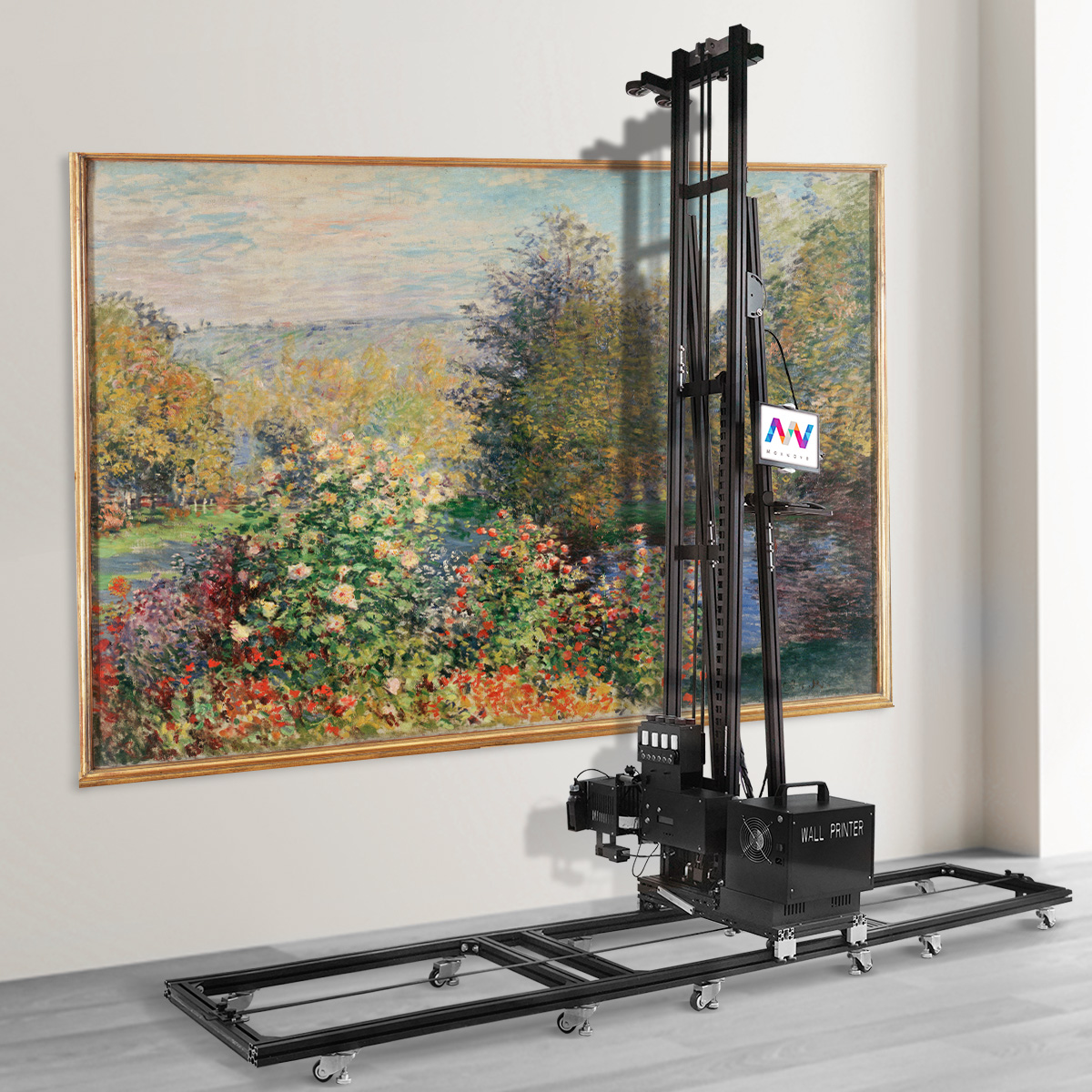
A wall mural may run several meters across a surface.
That means tiny mechanical errors can accumulate.
If the vertical column flexes, the carriage does not move smoothly, or the horizontal motion develops play, the final image can show banding, misalignment, distorted lines, or inconsistent overlap.
This is one of the areas where very low-cost machines can save money without making the compromise obvious in a product photo.
The frame still looks like a wall printer.
The specifications still list the same print height.
But the difference appears after the machine has moved several meters across a real wall.
The original article correctly identifies rail and chassis stability as one of the hidden quality differences that specifications often fail to communicate.
A practical test is simple:
Ask the supplier to print a long image containing straight lines, fine text, repeated geometric patterns, and gradients.
Look at the beginning, middle, and end.
If alignment becomes progressively worse across the mural, the problem is not the artwork.
It is the motion system.
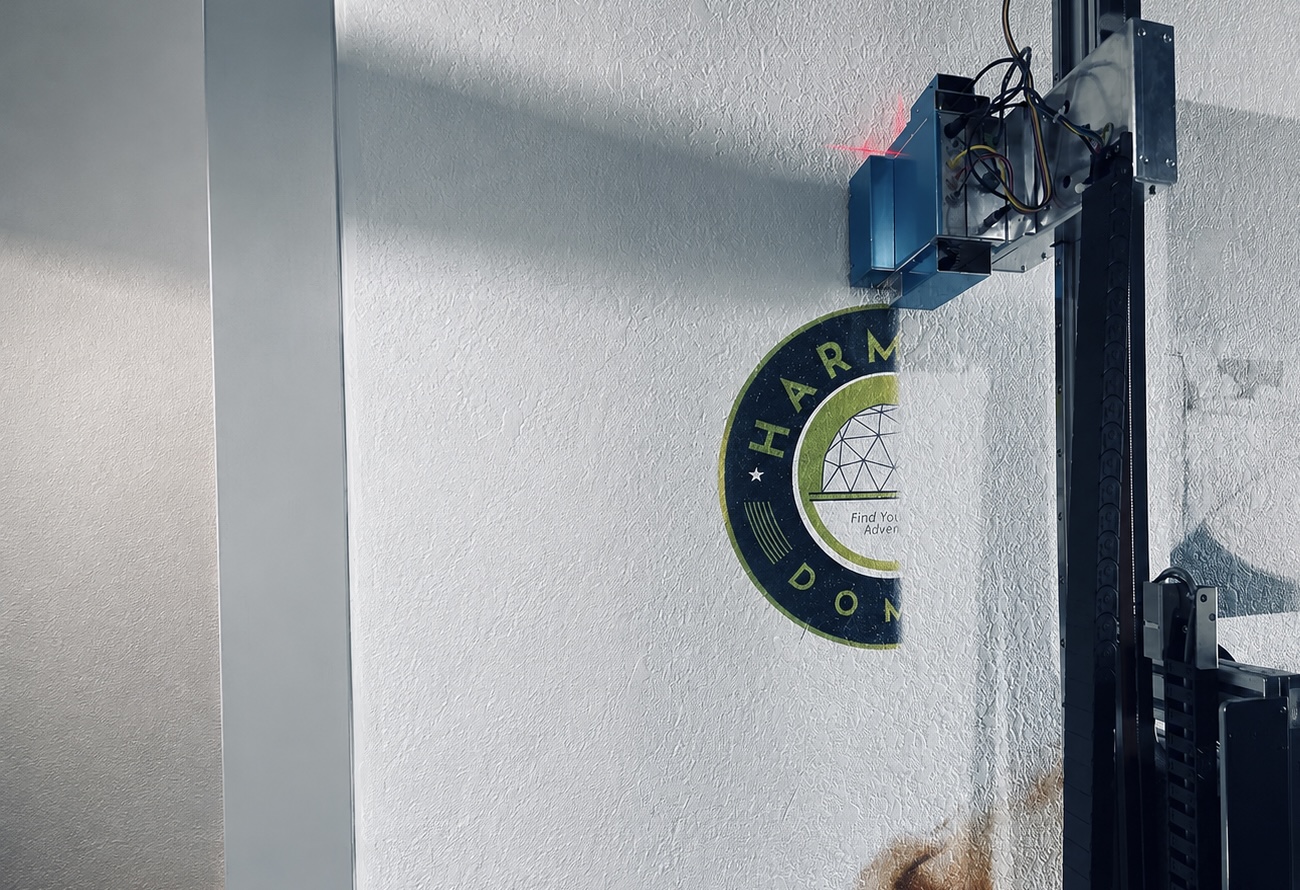
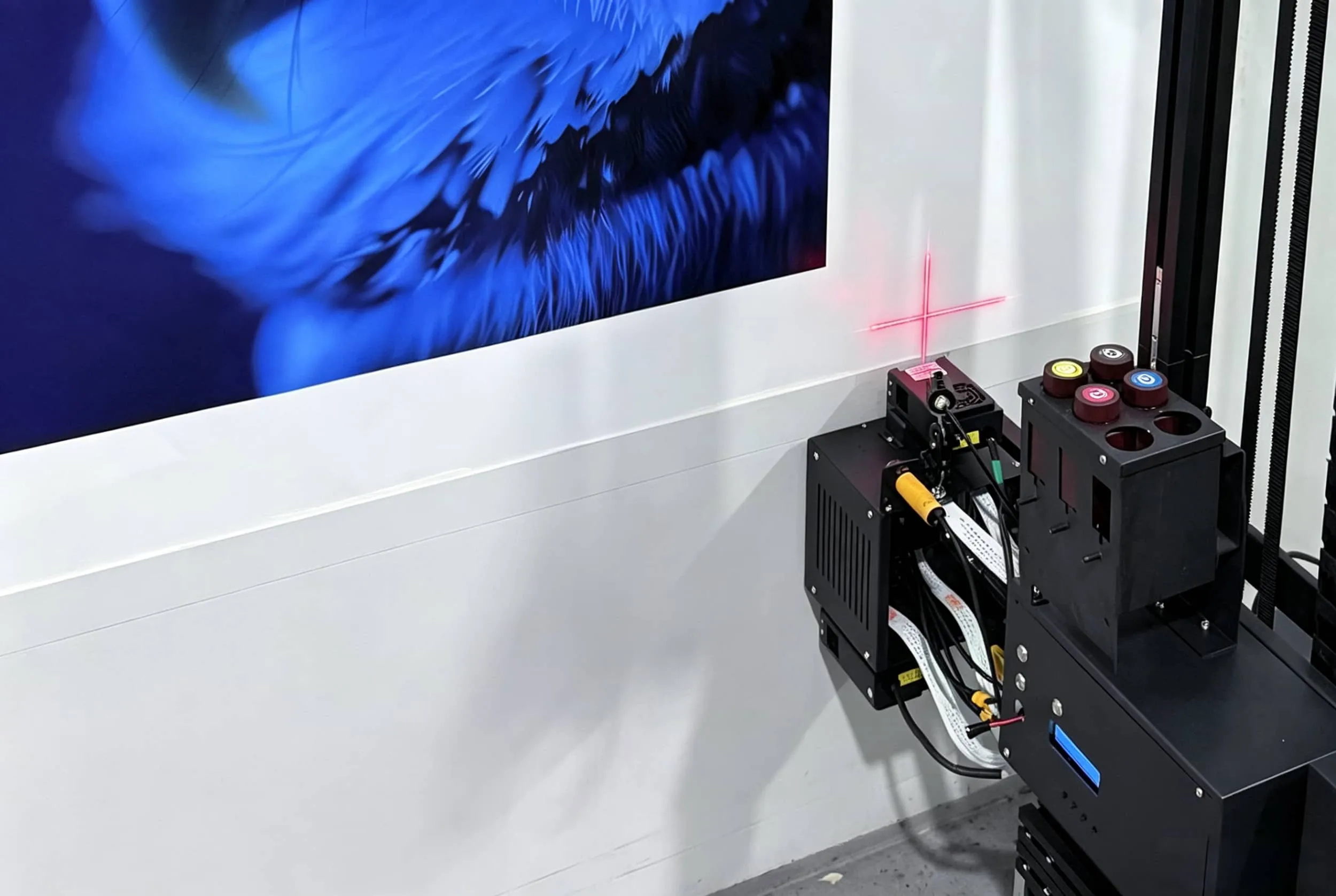
Wall-Distance Sensing
A normal printer works with paper or rigid media placed at a controlled distance from the printhead.
A wall printer works with real walls.
Real walls are rarely perfectly flat.
They may lean slightly, contain patches, texture, joints, or small variations in surface distance.
The machine therefore needs a reliable way to maintain the correct printhead-to-wall relationship.
Low-cost designs may simplify this sensing system or rely more heavily on manual adjustment.
That may work on a perfectly smooth demonstration wall.
It becomes more difficult on real customer sites.
If the printhead gets too close, there is a risk of contact.
If it sits too far away, droplet placement becomes less precise and small text or fine edges may look softer.
For an affordable wall printing machine for professional jobs, I would prioritize reliable distance sensing before chasing an extra resolution mode.
White Ink Management
White ink is one of the most important differences between a wall printer that works mainly on light walls and one that can handle a broader range of commercial surfaces.
CMYK alone works well on white or very light backgrounds.
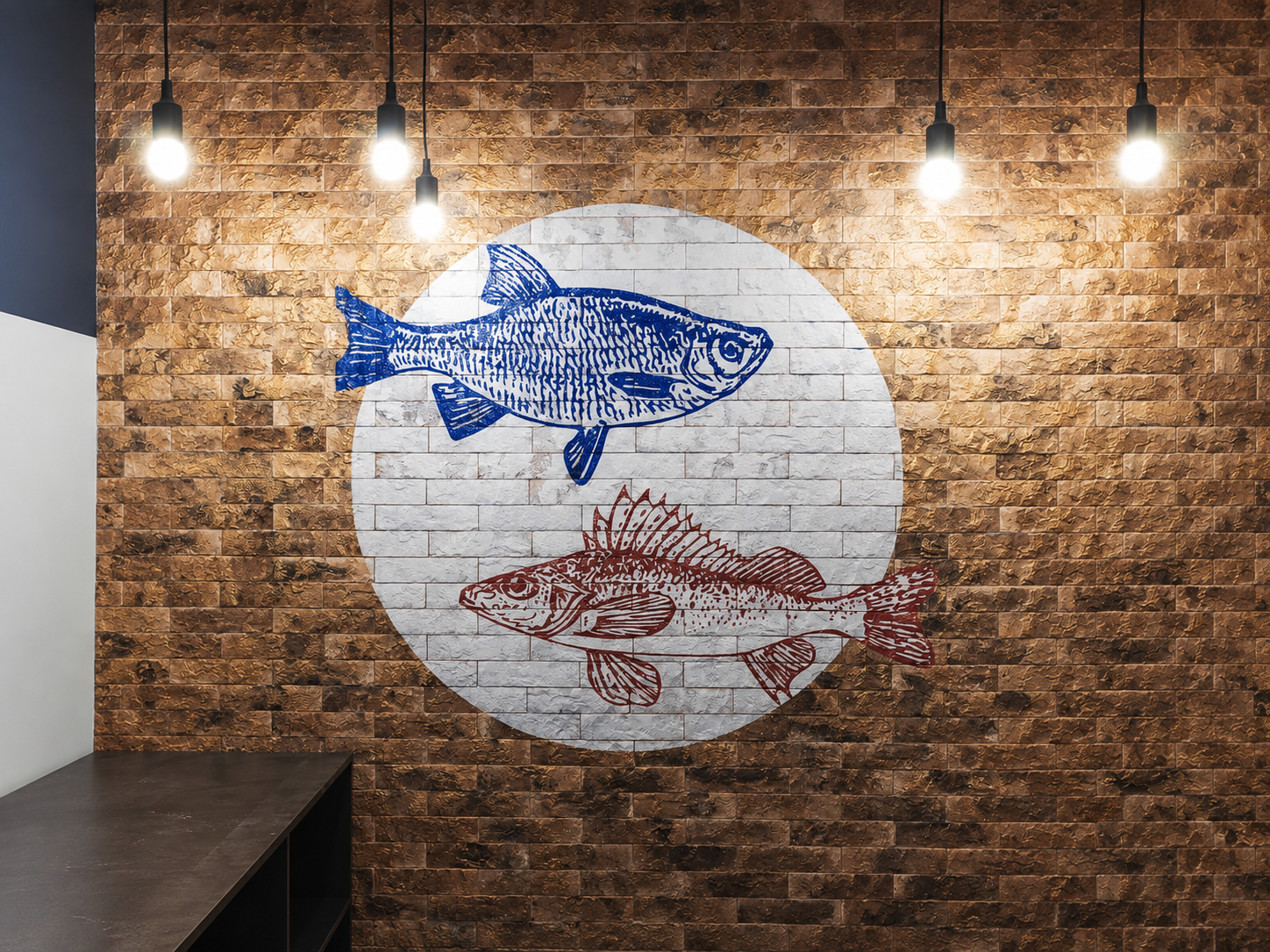
For dark painted walls, wood, tile, glass, metal, and strongly colored surfaces, white ink may be needed as an underbase.
But white ink is also more difficult to manage.
The pigment can settle during idle periods, which means professional systems need proper circulation, stirring, or another ink-management process.
The original article identifies white-ink circulation and nozzle stability as a major hidden difference between inexpensive systems.
A weak white-ink system creates problems such as inconsistent opacity, clogged channels, more cleaning cycles, wasted ink, and longer startup routines.
That affects both print quality and profitability.
So if you expect dark-wall projects, do not simply ask:
“Does the machine have white ink?”
Ask:
“How is the white ink circulated when the machine is idle?”
That is a much better buying question.
UV Curing
UV curing is another component that can look identical on the brochure but behave very differently in production.
The UV light should cure the deposited ink consistently as the printhead works across the wall.
If curing is too weak or inconsistent, the surface may remain tacky, scratch too easily, or show poor adhesion.
If the system is poorly matched to the ink and production speed, one area of the mural may behave differently from another.
Before buying a budget UV wall printer with white ink, ask for a sample on your actual target material.
Do not only test painted drywall.
If you plan to sell glass, tile, wood, metal, or other applications, test those materials separately.
After printing, inspect whether the ink is fully cured and properly bonded to the surface.
A colorful photo is not enough.
RIP Software and Color Management
Hardware attracts attention because customers can see it.
Software becomes important only after the machine is in daily use.
A professional RIP helps control resolution, passes, ink channels, white layers, color profiles, scaling, and other production settings.
Low-cost machines sometimes ship with simplified software that can produce a good sample but becomes frustrating when the business needs consistent output across different materials and repeat jobs.
The original draft correctly highlights ICC profiles, white/color separation, and saved production settings as important distinctions between basic and production-oriented software.
For a commercial business, repeatability matters.
If a restaurant prints one mural in January and wants the same colors for a second location six months later, you should be able to reproduce the job without rebuilding every setting manually.
2. How Cheap Hardware Shows Up in Real Customer Jobs
The problem with a poorly built cheap wall printer is rarely that it cannot print anything.
Most machines can produce an attractive demonstration.
Quality problems usually appear later.
They appear on longer murals.
On dark walls.
After the machine has been idle.
After several hours of printing.
Or after several months of commercial use.
Banding and Misalignment
Banding may come from printhead condition, nozzle problems, movement inconsistency, or incorrect calibration.
When the mechanical system is unstable, long horizontal or vertical lines are especially good at exposing the problem.
This matters because commercial clients often request designs containing:
Logos.
Architectural lines.
Text.
Geometric graphics.
Repeating patterns.
Those elements reveal movement errors much more easily than a colorful landscape mural.
Inconsistent White Coverage
A white underbase should create reasonably consistent opacity.
If the ink-management system is poor, a dark wall may show variations in brightness or color across the mural.
This can be particularly noticeable in brand colors.
A restaurant may tolerate a slight difference in a decorative illustration.
A company logo in the wrong shade of blue is a different problem.
More Maintenance and Downtime
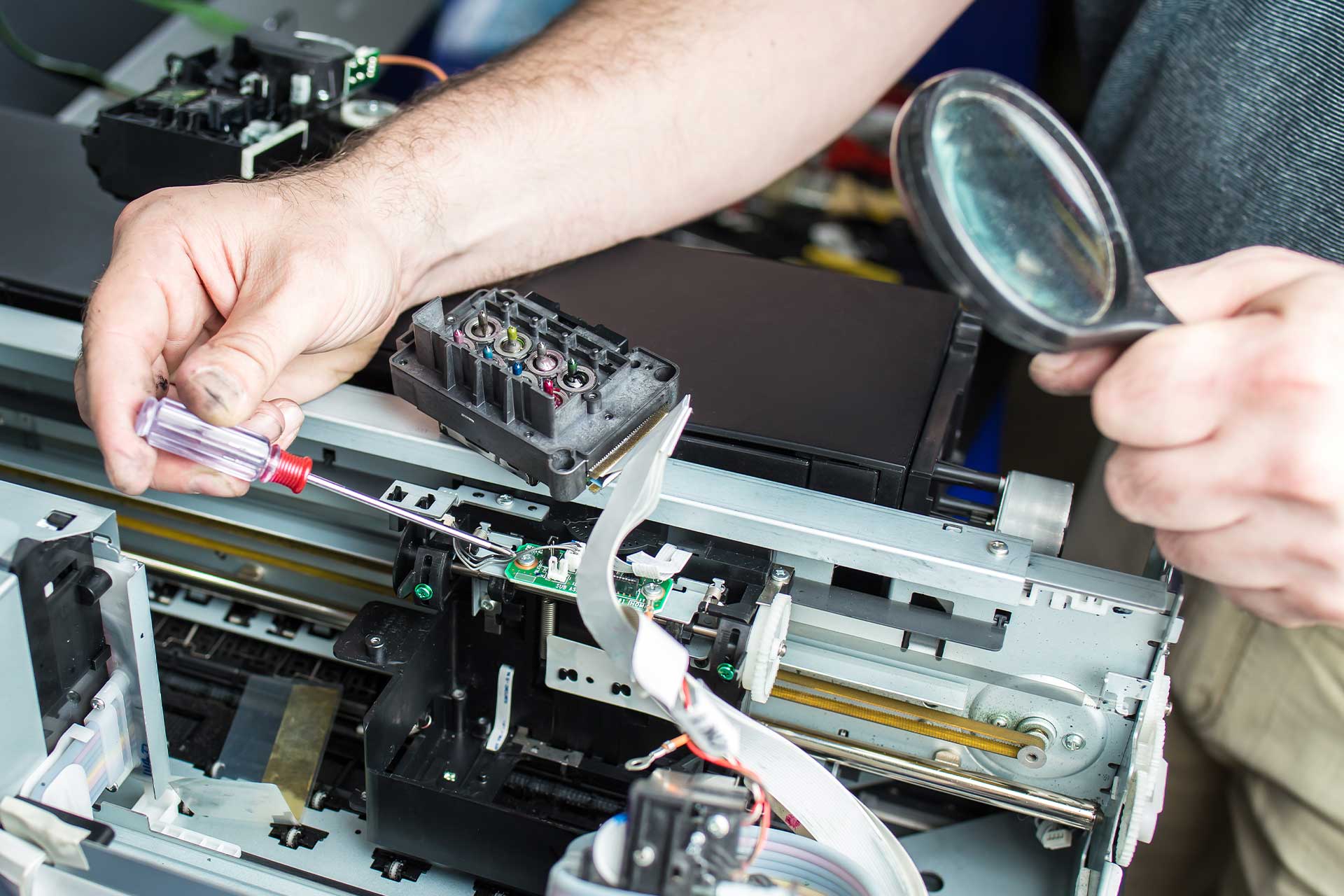
The lowest machine price can become less attractive if the operator spends more time cleaning nozzles, flushing white ink, recalibrating movement, troubleshooting software, or waiting for replacement parts.
This is where purchase price and total ownership cost begin to separate.
A $4,000 machine is not cheaper than an $8,000 machine if the first one produces significantly more downtime and failed jobs.
For a wall-printing business, downtime has a direct cost.
The customer has already prepared the site.
The operator has already traveled there.
The artwork is approved.
If the printer fails in the middle of the mural, the business may need another visit and possibly a complete reprint.
That cost does not appear on the original quotation.
Slower Real Production Than Advertised
Another common issue is the difference between maximum speed and usable commercial speed.
A machine may advertise impressive output in a fast mode, but the operator may need to use a slower multi-pass setting to achieve the quality customers expect.
White ink can slow production further.
This does not make the machine bad.
Every printer trades speed for quality.
The important question is whether the supplier shows both numbers honestly.
Ask:
“What is the real speed in the quality mode most customers use?”
That is more useful than asking for maximum m²/h.
3. Can a Cheap Wall Printer Still Be a Good Buy?
Absolutely.
The purpose of this article is not to say that a professional wall-printing business requires a $30,000 or $50,000 machine.
It does not.
A lower-cost machine can deliver excellent value when the manufacturer saves money in areas that do not materially damage the work you intend to sell.
For example, a startup may not need:
The fastest dual-head configuration.
A huge touchscreen.
Advanced automation.
Premium local installation.
A full dealer network.
The largest possible chamber or frame system.
These are legitimate areas to compromise when your workload does not require them.
What should not be compromised too aggressively are the components that directly determine whether the mural is usable:
Printhead quality, motion stability, distance sensing, white-ink management, UV curing, software, and access to replacement parts.
This is why I prefer evaluating an entry-level wall printer for a mural business based on minimum commercial requirements rather than price alone.
A startup mainly targeting cafés, children's rooms, bedrooms, salons, restaurants, and office feature walls may be perfectly productive with a single-head system.
A company handling large hotels, shopping malls, and multi-site commercial projects will value higher throughput and more redundancy.
Neither business should automatically buy the same machine.
Where I Would Accept a Lower-Cost Configuration
For a startup, I would accept lower maximum speed before accepting poor motion stability.
I would accept a simpler control interface before accepting weak white-ink circulation.
I would accept online training before accepting unavailable spare parts.
And I would accept a single professional Epson head before accepting an unknown printhead advertised only as “industrial.”
Those compromises preserve the core ability to produce customer work while keeping initial investment under control.
Where I Would Pay More
Spend more when the upgrade directly improves your revenue-producing workflow.
That may include a newer or faster printhead, dual-head configuration, stronger frame, better wall sensing, more reliable white-ink management, faster production, or a better spare-parts/support package.
Do not pay more simply because the machine has more buttons.
Pay more when the extra feature reduces reprints, downtime, labor, or project limitations.
4. What to Check Before Buying a Cheap Wall Printer
The best defense against a bad low-cost machine is not buying a more expensive machine automatically.
It is testing the cheap one properly.
Before paying a deposit, ask the supplier to complete the following checks using the actual configuration you will receive.
Confirm the exact printhead. Get the model number in writing and ask what a replacement costs.
Request a real quality-mode print. Use fine text, gradients, skin tones, straight lines, saturated colors, and dark areas.
Print a long mural section. This helps expose movement drift and alignment problems that a small sample will not show.
Test white ink. If dark surfaces matter to your business, inspect opacity and ask how circulation works during idle periods.
Test your real surface. Painted drywall, plaster, wood, brick, glass, tile, or metal should be tested according to your target market.
Check UV curing. The finished sample should not remain tacky or scratch off easily under normal handling.
Review the software. Confirm the RIP can handle white layers, color profiles, scaling, saved jobs, and the file formats you actually use.
Ask about spare parts. Printhead, dampers, pumps, sensors, boards, motors, belts, and other common components should have a clear replacement path.
Ask what training actually includes. Online training can be completely sufficient, but the supplier should have a structured process rather than simply sending a PDF manual.
Calculate a three-year ownership estimate. Include machine price, printhead replacement allowance, consumables, routine maintenance, spare parts, shipping, and a realistic downtime reserve.
The original article is right to emphasize that machine price by itself does not describe the real cost of ownership.
For a commercial wall printer for startup businesses, I would rather see a slightly higher quotation with a clear spare-parts package and sample test than a rock-bottom quotation where basic technical questions remain unanswered.
Conclusion
A cheap wall printer can be a good investment.
But low price becomes dangerous when the manufacturer achieves it by weakening the parts of the machine that directly control print quality and uptime.
The areas worth checking most carefully are:
Printhead, motion stability, wall-distance sensing, white-ink management, UV curing, RIP software, and spare-parts support.
If those systems are solid, a lower-cost wall printer can be completely suitable for a small commercial mural business.
If they are not, the initial saving can quickly disappear through clogged nozzles, banding, inconsistent colors, failed prints, slower production, and downtime.
That is why the right question is not:
“Is this wall printer cheap?”
It is:
“Why is this wall printer cheap?”
A manufacturer that can clearly explain the printhead, frame, sensing system, ink management, software, warranty, and replacement-parts structure is giving you something useful to evaluate.
A supplier that responds only with maximum DPI and low price is giving you much less information.
Before choosing a low-cost wall printer machine, request a sample on your actual wall material and ask the supplier to run the machine in the print mode you would use for paying customers.
Send WallPrintGear your target applications, wall materials, typical mural sizes, expected monthly workload, and equipment budget. The team can help you compare suitable configurations and arrange sample printing so you can judge real output quality before deciding where saving money makes sense—and where it does not.